

Figma has become the go-to tool for UX and UI designers across the globe, thanks to its flexibility, collaboration features, and powerful plugin ecosystem. But to truly unlock Figma’s full potential, you need the right plugins — especially when it comes to icons and design components. Here are the top six must-have Figma plugins every designer should know to supercharge creativity and efficiency.


- Iconify – Your Ultimate Icon Library
The Iconify plugin gives you instant access to over 100,000+ icons right inside Figma — no need to leave the canvas or download SVGs separately. From Material icons to Font Awesome, Iconify includes dozens of icon sets, making it easy to search and insert instantly. Whether you’re building a mobile app, website, or dashboard, this plugin keeps your workflow fast and your visuals consistent. - Material Design – Bring Google’s UI Components to Life
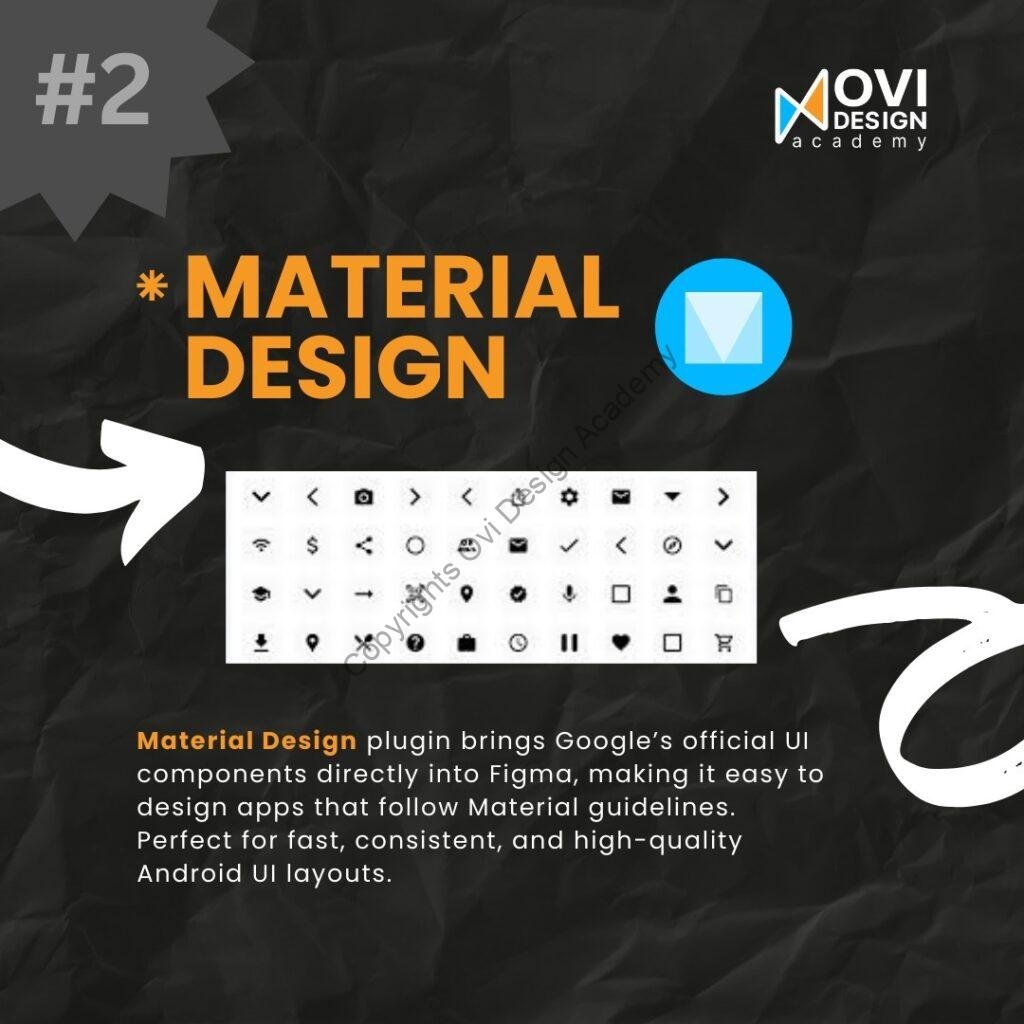
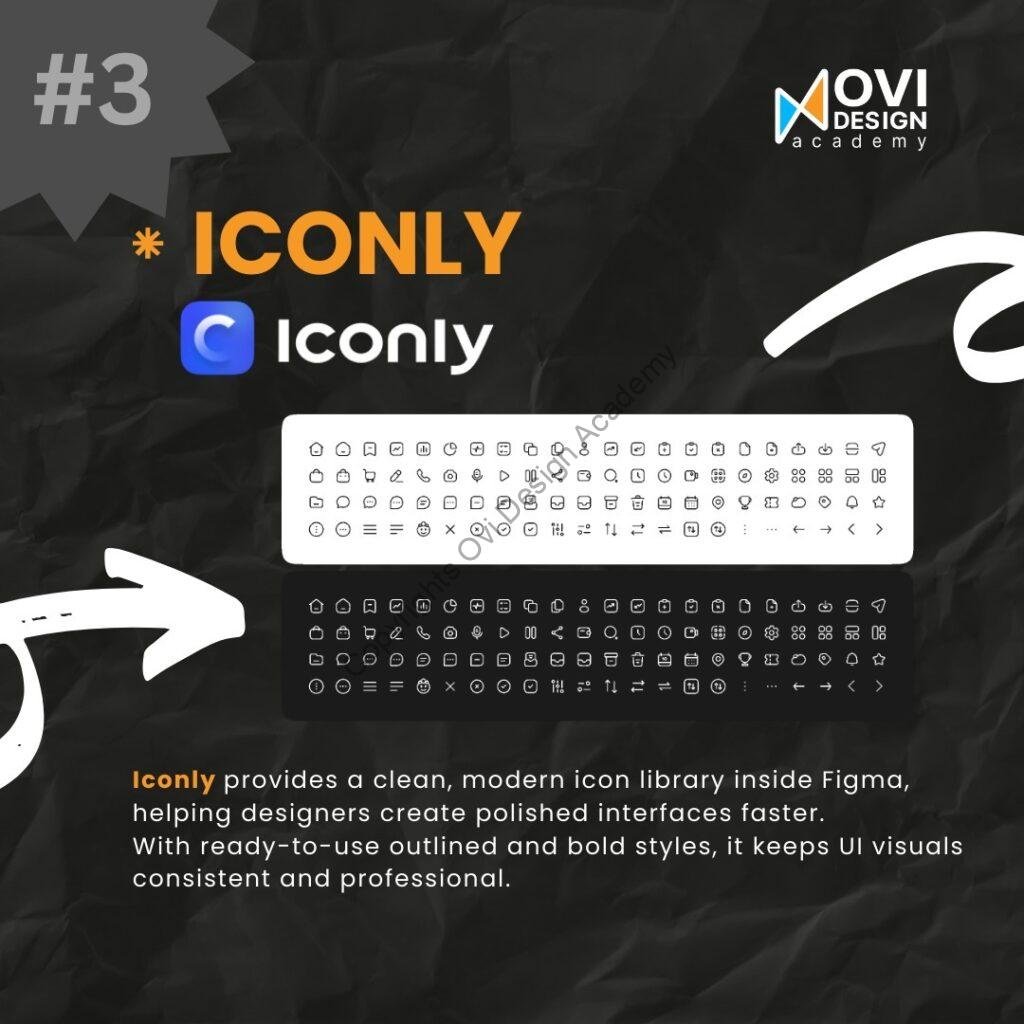
For designers working on Android or web interfaces that follow Google’s Material Design guidelines, this plugin is a must. The Material Design plugin integrates official components and icons directly into Figma, helping you create layouts that are both consistent and visually accurate. It’s perfect for prototyping Android apps or designing clean, modern user interfaces with minimal setup. - Iconly – Elegant and Modern Icon Sets Iconly provides a clean, minimal, and modern icon collection that fits seamlessly into any interface. With both outlined and bold styles, Iconly helps you create polished designs that maintain a cohesive look throughout your project. Whether you’re designing a mobile navigation bar or dashboard UI, Iconly’s simplicity enhances the professional appearance of your designs.
- Iconoir – Open Source & Stylish Icons
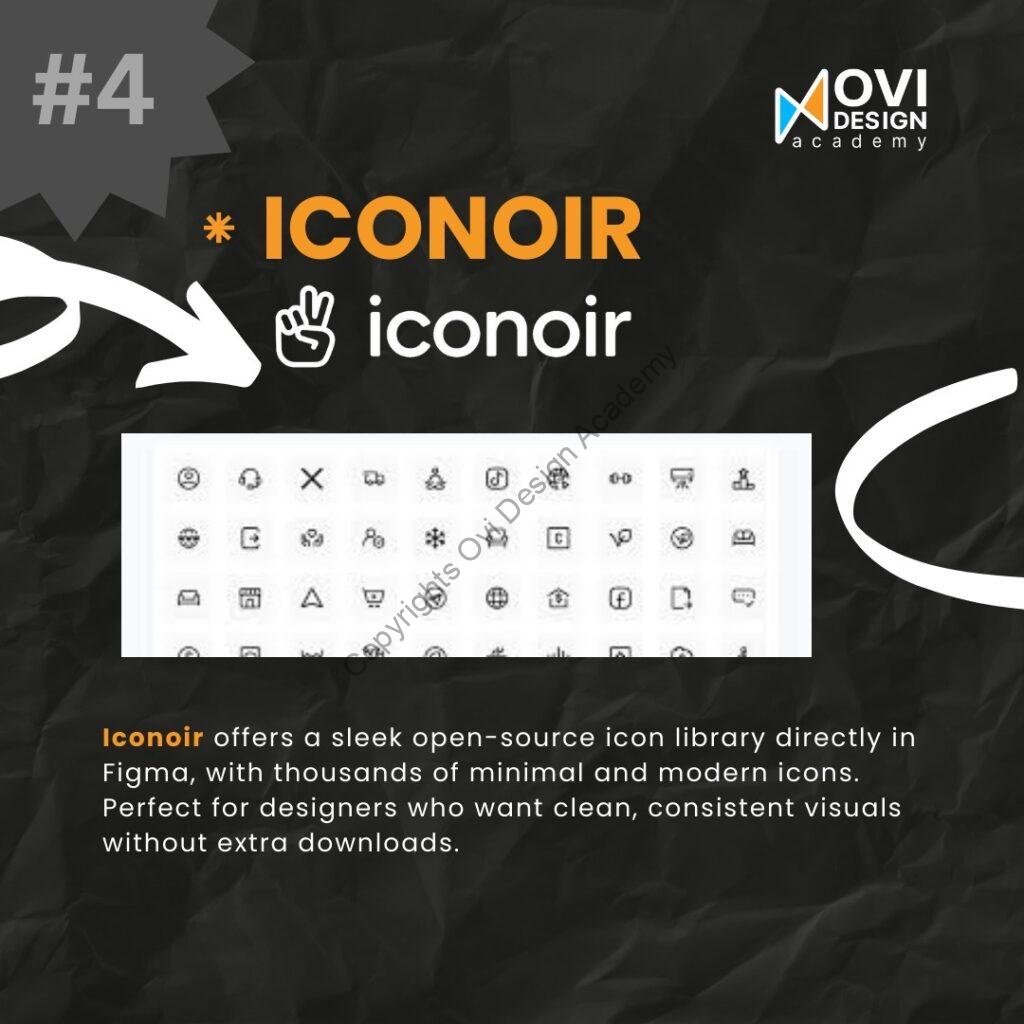
If you love open-source tools, Iconoir is a sleek choice. It offers thousands of minimal, modern icons directly within Figma. Designed with precision and style, Iconoir focuses on clarity and uniformity — perfect for digital products that value clean, elegant visual language. Plus, since it’s open source, you can use and customize it freely for personal or commercial projects. - Eva Icons – Clean and Consistent Design System
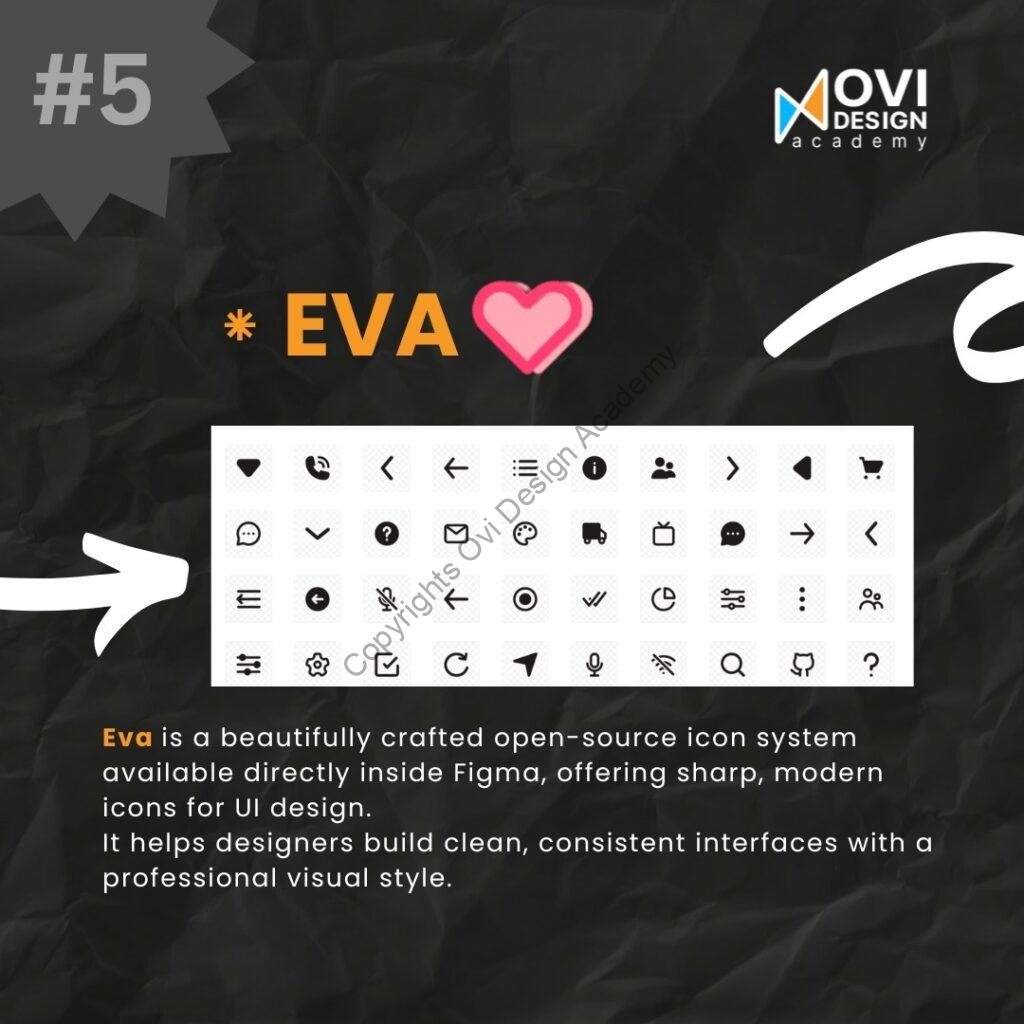
Eva is a beautifully crafted open-source icon system that’s built for consistency and clarity. Designed to blend perfectly with modern UI design, Eva Icons help you maintain a professional look across all screens and platforms. It’s an excellent choice for teams building design systems or products that need visual harmony and scalability. - IconScout – Icons, Illustrations & 3D Assets in One Place
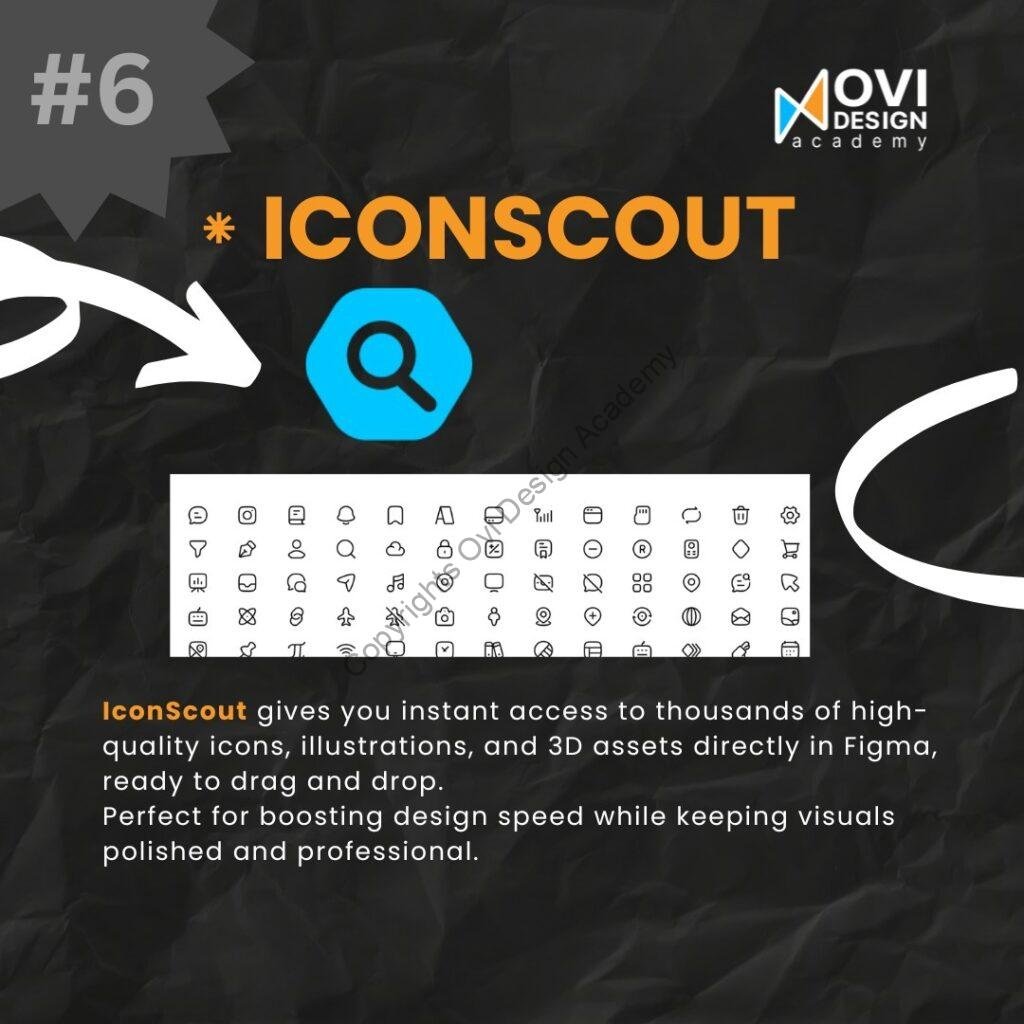
For designers who want more than just icons, IconScout is a powerhouse. It offers instant access to thousands of icons, illustrations, and even 3D assets directly inside Figma. With simple drag-and-drop functionality, you can bring high-quality visuals into your projects in seconds. IconScout is perfect for speeding up your workflow while keeping your designs engaging and professional.
Final Thoughts
Each of these plugins can transform the way you design in Figma — saving time, maintaining visual consistency, and boosting creativity. From vast icon libraries to official design systems, these tools help you focus on what really matters: creating exceptional user experiences.
Ready to learn how to use these tools like a pro?
🎓 Join Ovi Design Academy — your gateway to mastering UX/UI design.
📞 Call: 94440 74941
🌐 Visit post: click here
💡 Join our FREE demo class today and start your design journey!